🍳 One-day AI workshop · Sydney
Learn to cook with an agent
One fun, hands‑on day to set up your own agentic workspace: a recipe app on your phone, plus a team of bots that plan your meals and shopping. No coding experience needed.
🎟️ Get a ticket · from A$450 36 chefs from 6 workshops so far Meet them →Already a member? Sign in →
Next workshop
Saturday 28 November 2026
Secure checkout with Stripe. Includes lifetime club membership.
Can't make this date? Get a raincheck ↓👩🍳 The Chefs
Join 36 chefs who've cooked with us
6 workshops in Sydney and Melbourne since November 2025.
-
 Caroline
 -
 Tara
Tara -
 Melinda
 -
 Michael
 -
 Stephen
 -
 Jesse
Jesse -
 Talal
Talal -
 Desiree
 -
 Bowie
Bowie -
 Aniruddha
 -
 Lynn
Lynn -
 Oliver
 -
 Duncan
 -
 Jamie
Jamie -
 Lauren
 -
 Aditi
Aditi -
 Fiona
Fiona -
 Jessica
 -
 Claire
 -
 Aline
Aline -
 Guillermina
 -
 Pip
Pip -
 Freya
Freya -
 Sonia
Sonia -
 Brendan
 -
 Hasini
 -
 George
 -
 Benny
Benny -
 Kate
Kate -
 Nora‑Rose
“Thanks again for an incredible workshop Joshua! My obsession with Cursor has exponentially deepened. Cannot recommend this workshop highly enough. The care and thought put into it was excellent, and the skills and workflows I came away with have truly levelled up my product design practice.”
Pip Shea Principal Product Designer at CSIRO “It was such an epic day!! So glad I signed up last year, the wait was worth it. It has opened doors for me personally in my AI vibe coding journey. Highly recommend — even to complete beginners!”
Freya Stockman Product Designer @ Relevance AI “For someone who isn't a developer, an IDE can feel like a wall. Cursor's agent lowers that barrier... I've worked with Josh and seen his passion for teaching. I'd recommend his sessions to anyone looking to level up from vibe-coding.”
Michael Potter Product and Experience Design “What a powerful learning experience. The way the workshop was structured made complex AI workflows feel approachable and exciting. I really appreciated how intentional the environment was — supportive, hands on, and deeply practical.”
Sonia Bedrosian UX/UI & Graphic Designer 🧑🍳 The core lesson
Three steps to cook with any agent
-
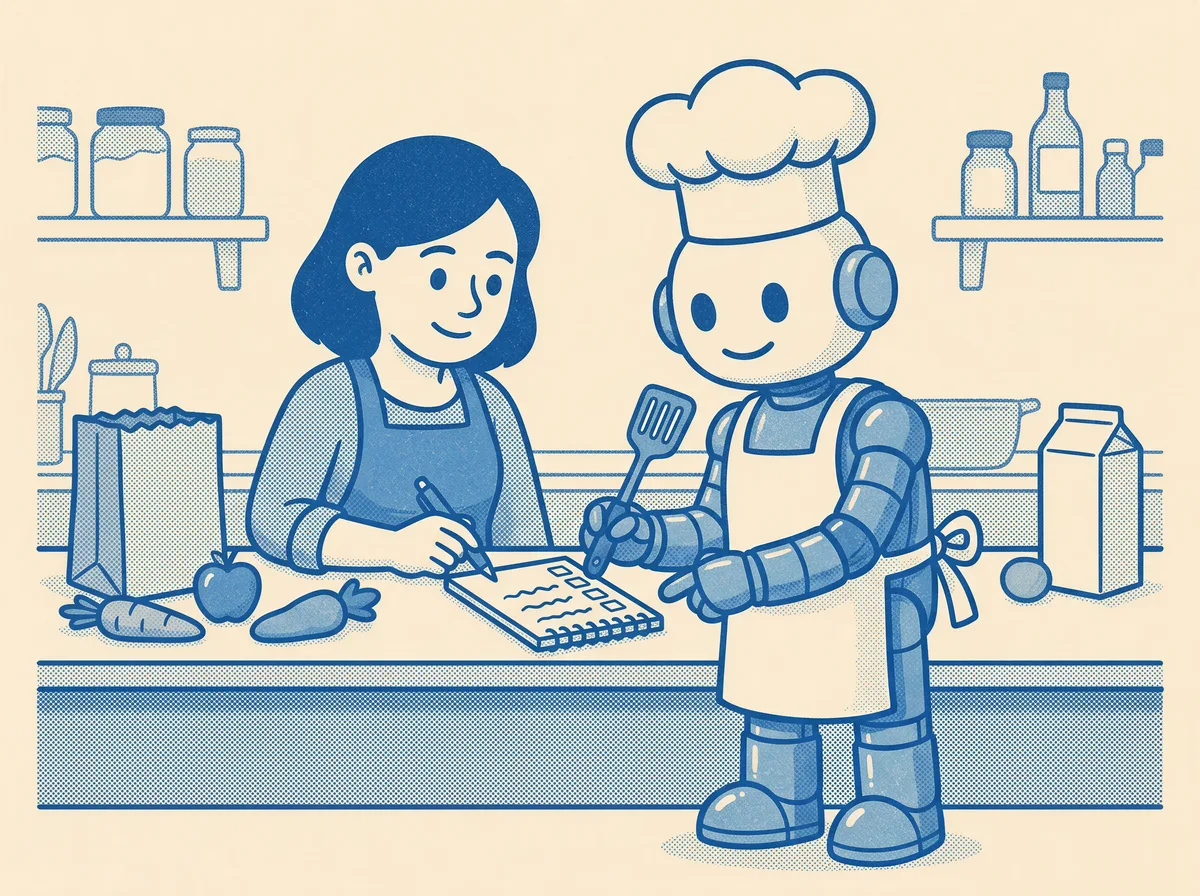
1 Specify
Specify the work
Tell your agent exactly what you want, like writing the shopping list together before anyone heads to the shops.
-
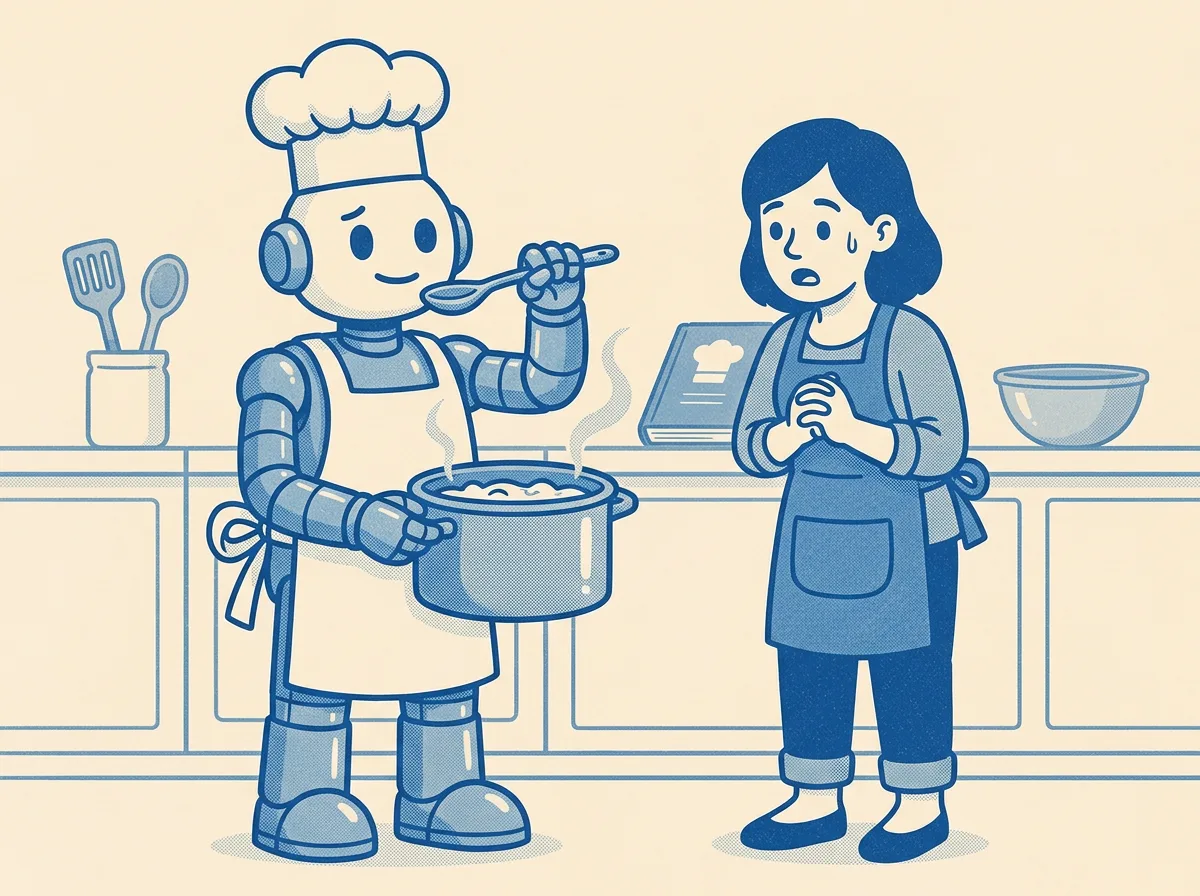
2 Verify
Let it check its work
Think about how your agent can check its own work, the way a good chef tastes the dish before it leaves the kitchen.
-

3 Effort
Say how much effort
Tell your agent how much effort the job deserves, or it might come home with the whole supermarket.
Specify, verify, effort: a repeatable skill you can take to any agent, across different tools and workflows.
📸 A day in the kitchen
See the kitchen in action
Watch the film, or tap a photo for a closer look.
🍽️ What you'll cook up
Your own agentic workspace
Build and publish your own software, run a team of agents on schedules, then combine the two. We cook because everyone gets recipes.
Your own recipe app
Build and publish a custom cooking companion that lives on your phone.
A team of kitchen bots
Agents on schedules that organise your recipes, plan the meals and plan the shopping.
The two, combined
One agentic workspace where your bots and your app work side by side.
👋 Who it's for
Curious? You're in the right kitchen
You've never written code
Perfect. No coding and no tech job needed — just curiosity and an appetite.
You'd love help in the kitchen
Hand the recipe sorting, meal planning and shopping lists to a team of bots.
You already chat with AI
Go from one-off chats to agents that work on a schedule, and software of your own.
📦 What's included
One ticket, a lot in the basket
🗓️ On the day
- 🧰 Your own agentic workspace, set up together
- 💻 A ready-to-go starter project
- 🎨 FigJam board with visual exercises
- 🥐 Morning tea, lunch and refreshments
- 🆘 Troubleshooting notes your agent can read
- 🧑🏫 Small group, 1:1 help when you get stuck
🎁 After the workshop
- 📖 Lifetime access to the Cookbook
- 🧺 The Pantry — code packages to remix
- 💬 A community of fellow chefs
- 👀 A profile in the Chefs directory
- 📰 Recaps and news from every cohort
✅ What you'll need
- 💻 A laptop with Cursor installed
- 💳 Cursor Pro (~$30 AUD/month) — required
- 🌱 A willingness to experiment
No GitHub account, command line or coding needed. Everything else is free and we set it up together. Setup notes arrive a week before.
The biggest thing in your ticket
🔄 Every future version of the course, free
We rebuild the workshop every two months as the tools change. Pay once, and every new edition — fresh starters, updated recipes, new AI features — lands in your inbox.

👨🏫 Your instructor
Joshua Crowley
A designer and educator with 10+ years building digital services for the ABC, CHOICE, Time Out and the University of Canberra, and teaching at General Assembly and UTS. Josh is a Cursor Ambassador, organises the Sydney Cursor meetup, and built his own AI app for dads, tinytalkingtodos.com. More at joshuacrowley.com.
❓ Good to know
Frequently asked
Do I need to know how to code?
No coding experience required. The workshop assumes you're non-technical — you don't even have to work in tech. The goal is to learn enough to build your own personal software so you can practise.
I already use Cursor. Will I learn anything new?
Yes — this isn't a tour of Cursor features. It's about the craft of working with an agent: when to plan, when to prototype, when to start fresh, when to ship. Even experienced users tend to skip the moves that make this sustainable.
What if I want to build something other than a recipe app?
Everyone builds the recipe app during the workshop (it's our teaching vehicle), but the patterns transfer directly to any AI-first application — a CRM, a fitness tracker, a personal tool, a side project.
How do I get access to the members area?
Buy a workshop ticket on this page. Once payment completes, your email is added to the member list automatically — sign in with a magic link using the same address.
Upcoming workshop
AI Workshop — Curious Kitchen
Learn to cook with an agent in one hands-on day
- Small group with 1:1 support
- Pre-configured starter codebase
- Morning tea, lunch, and refreshments
- Lifetime access to workshop materials + curiouskitchen.club
Choose your ticket
Paid tickets include lifetime access to curiouskitchen.club — the Cookbook, Pantry, Chefs, and News. After checkout, sign in with a magic link using the same email.