🧑🍳 An agent that meal-plans for you
Drop a Claude-powered agent inside your app to plan the week, build the shopping list, and mind the leftovers.
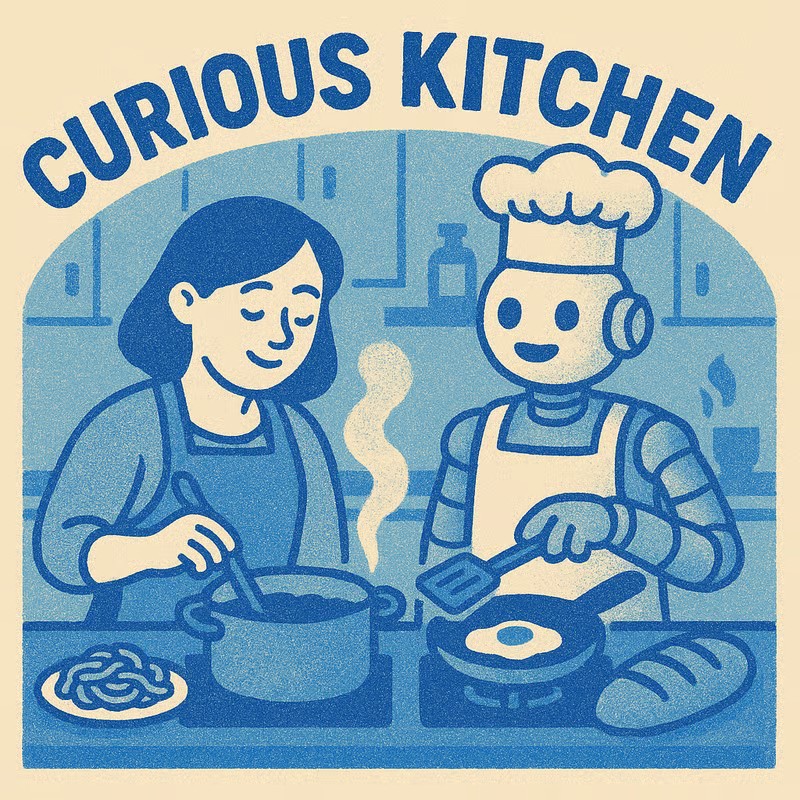
Cook up a real, deployed app alongside an AI agent — and walk away with the moves to do it again on any idea of your own.
By the end of this course you'll have a deployed, working meal-planning app with three frontier AI features baked in. The recipe app is just the kitchen we cook in — the moves you'll learn work just as well on a CRM, a fitness tracker, or whatever you've been meaning to build.
🧑🍳 An agent that meal-plans for you
Drop a Claude-powered agent inside your app to plan the week, build the shopping list, and mind the leftovers.
🎙️ A voice-powered cooking assistant
Ask for ingredients, start timers, and talk through the steps with your hands covered in flour.
🖼️ Custom recipe artwork
Generate consistent illustrations for your recipes in a visual style you choose — Riso prints, watercolour, photography, whatever you like.
🔄 A craft you can repeat
The same five-step recipe — Data First, Structure Storage, Build Interface, Layer in AI, Deploy & Iterate — for every project after this one.
The common thread: you want to stop relying on luck with AI and start relying on a craft you can repeat — on your own ideas, on your own time.
Set up & ship
Configure Cursor, run the starter, and deploy to a real URL — all in the first session.
Shape the app
Plan your data in Notion, sketch your screens, voice-prompt the agent into a UI, and dial in the look and feel.
Add the AI
Three frontier AI features — chat, voice, image — each prototyped first, then woven into your app.
The craft
Cross-cutting moves to revisit anytime: when to start fresh, which model to pick, how to roll back safely.
The stack
Short "what is this and why is it here" pages on React, Tailwind, Storybook, and the rest of the kit.
After the workshop
Keep building — adapt the same starter to whatever you want to make next.